
 Join our Discord
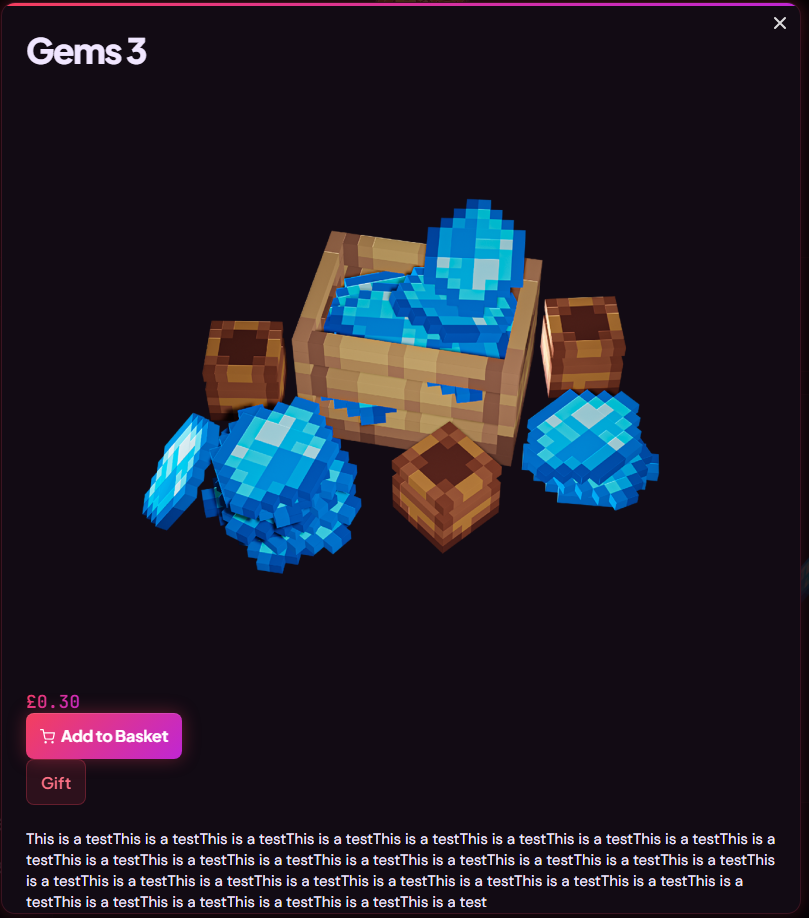
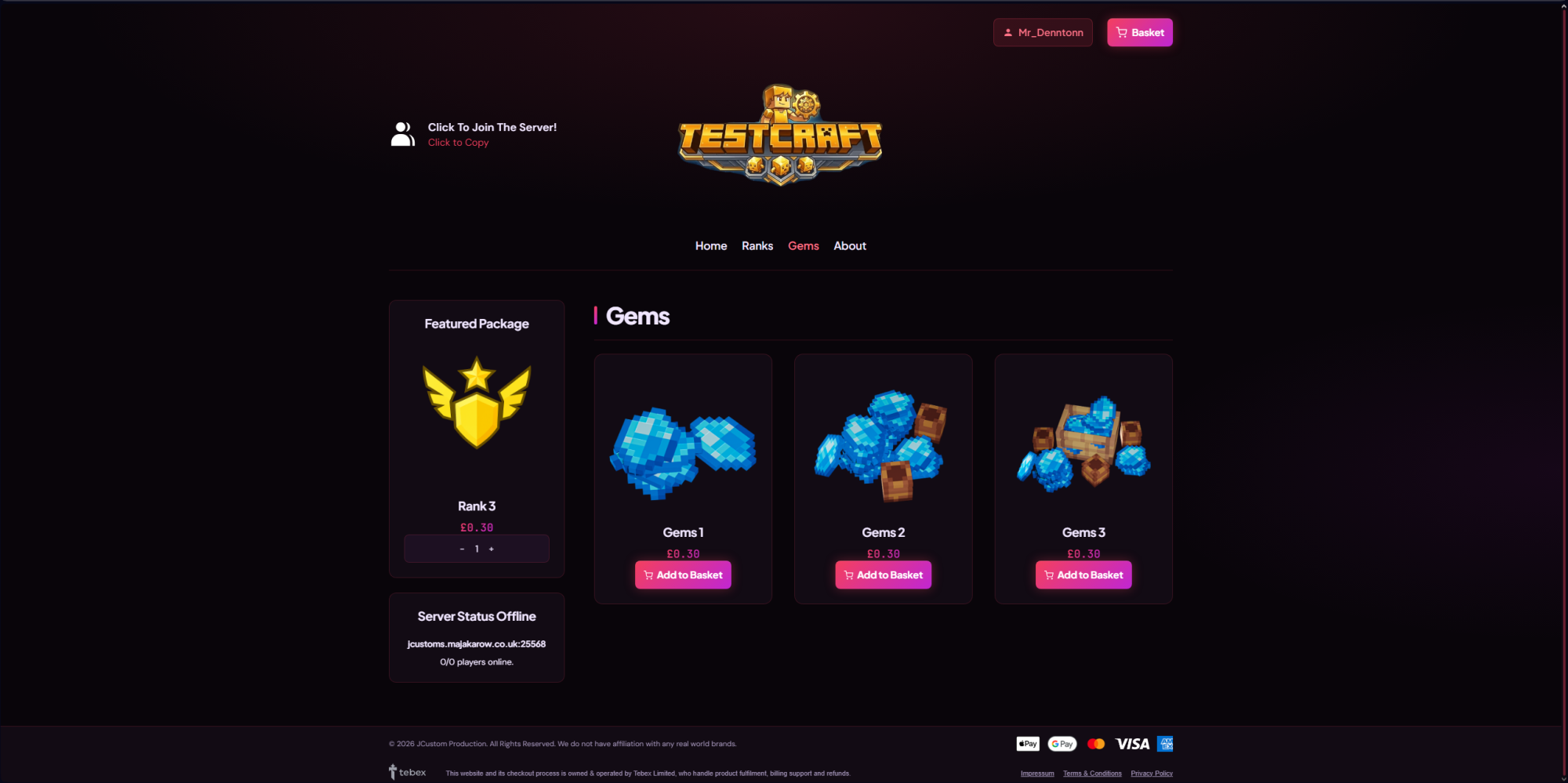
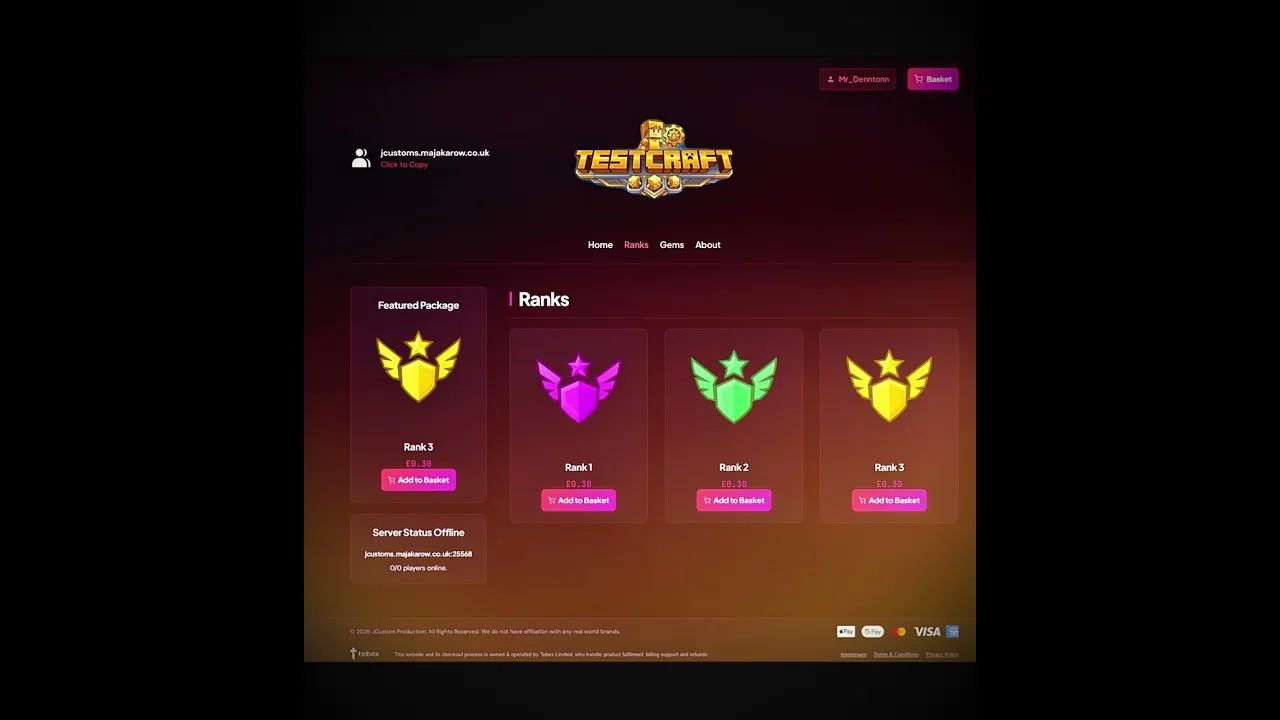
Sovereign
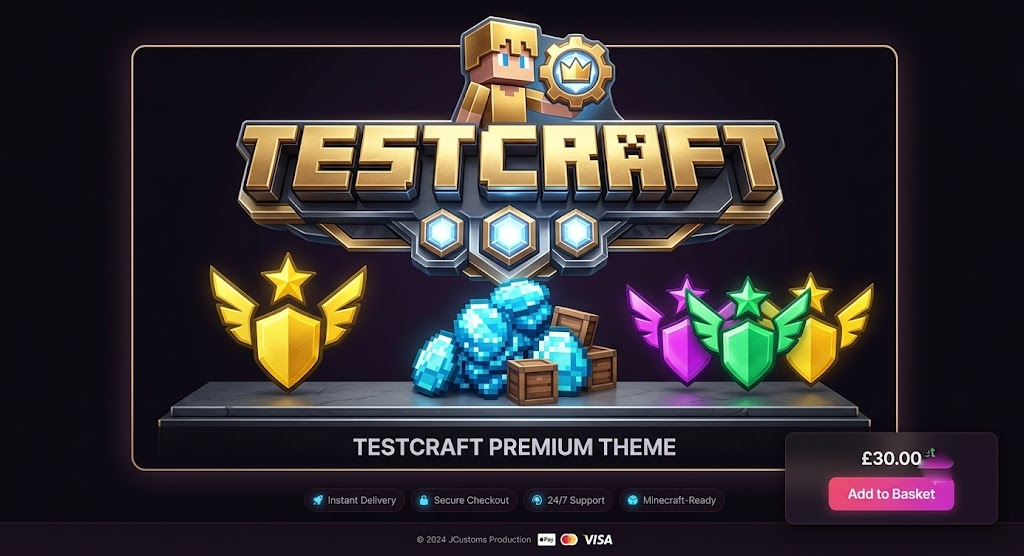
Premium Tebex Theme • Rose → Fuchsia • Genre-Neutral
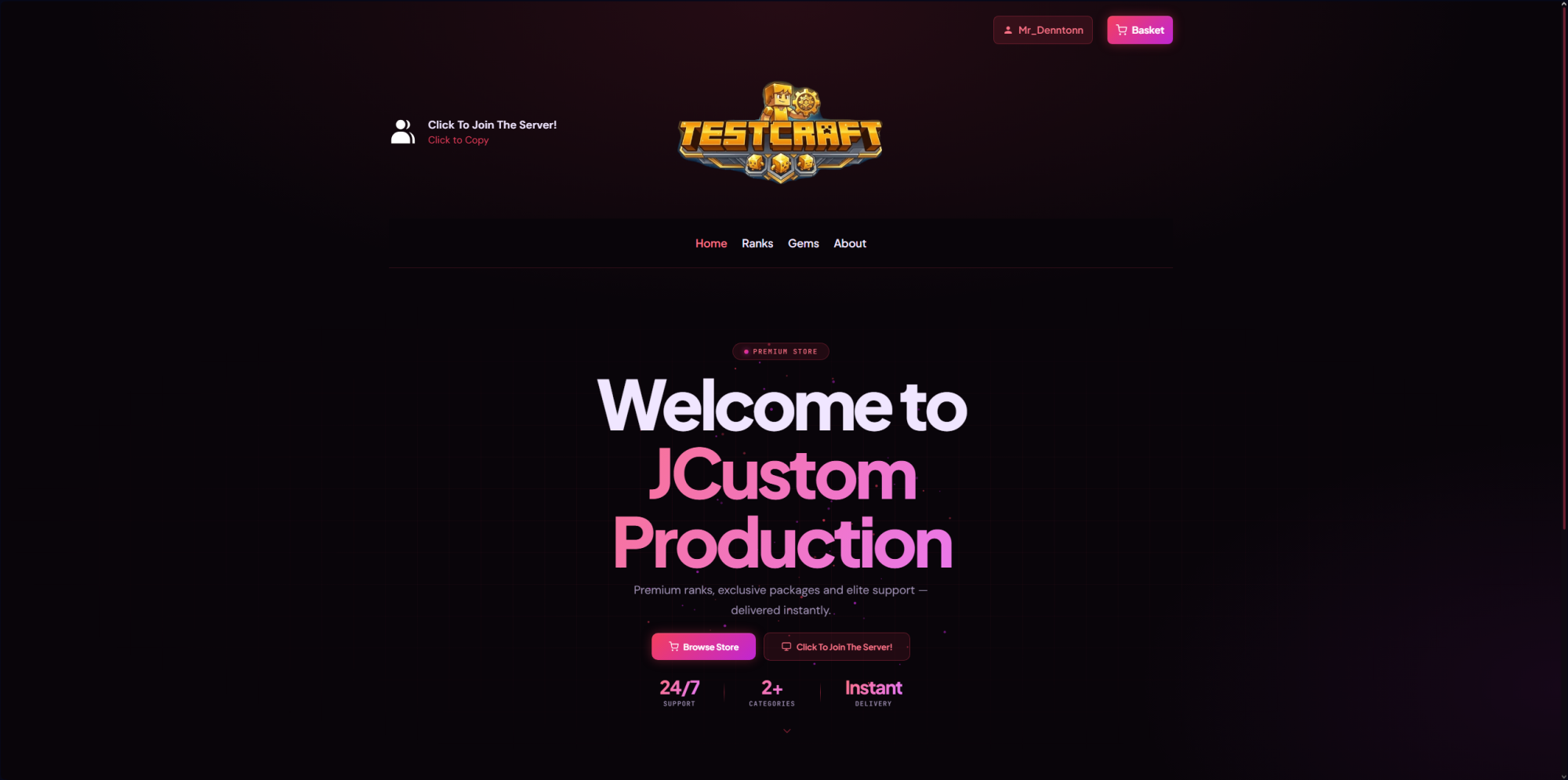
Stop paying extra for features that should be standard. While other premium themes charge up to £20 extra for a rank comparison table, Sovereign includes it completely free and built-in. No add-ons, no subscriptions—just drop in your category slug and watch your conversions rise.
Sovereign breaks away from the sea of generic blue and purple stores with a stunning, exclusive rose-to-fuchsia gradient on a deep, near-black canvas. Your store won't look like anyone else's.
🗝️ Key Features
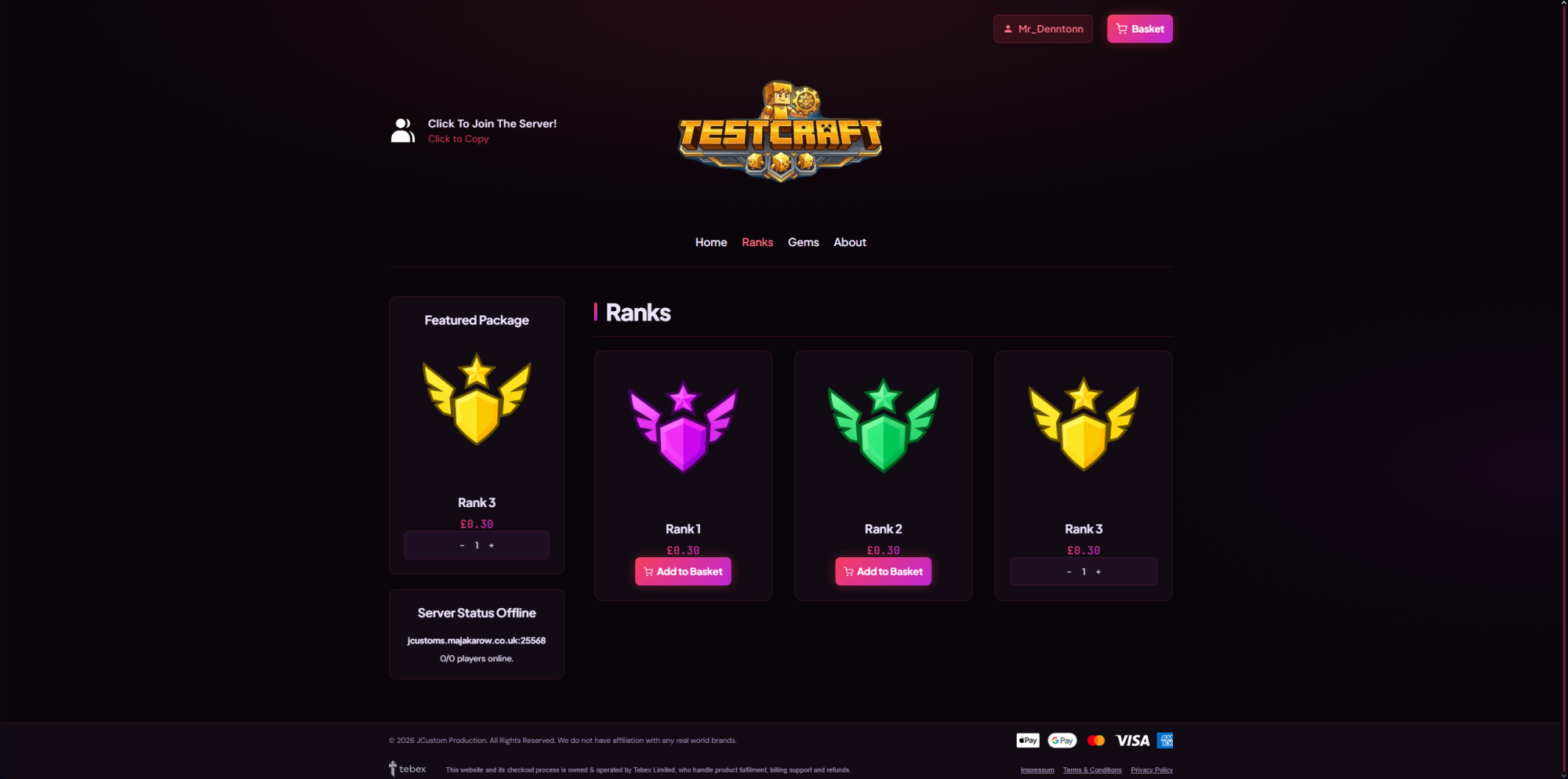
- ✦Free Built-In Rank Table: Displays side-by-side cards with gradient pricing, feature lists, and a "Most Popular" badge. Appears on both the homepage and category pages automatically.
- ✦Exclusive Warm Palette: A unique rose-to-fuchsia theme. Fully customizable with two simple color pickers in your config—zero coding required.
- ✦Built for Conversion: Features an infinite-scroll featured package carousel, an animated gradient sale banner, and custom discount popups.
- ✦Live Social Proof: Dynamic, auto-firing buyer toast notifications and a recent-purchase ticker showcase live store activity.
- ✦Complete Customization: Over 25+ Config options managing the server status module (with live player counts), interactive vortex particle hero, and smooth-scroll navigation.
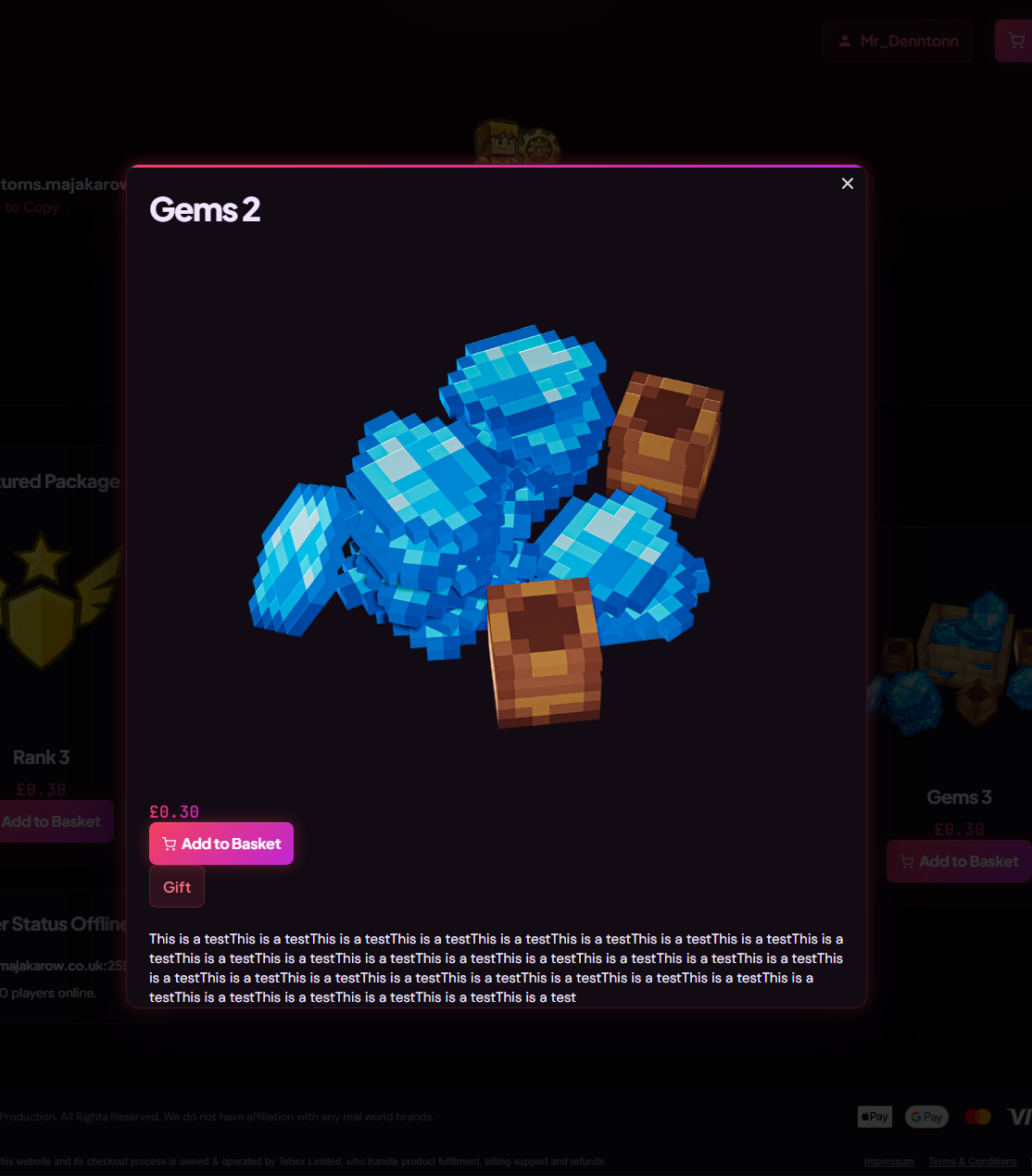
- ✦100% Theme Coverage: Every single pixel is styled—including the basket popups, forms, and checkout elements. No default Tebex styling left behind.
- ✦Lightweight & Reliable: Zero CDN dependencies for maximum uptime. Fully responsive across desktop, tablet, and mobile.
📦 Instant Delivery & Easy Setup
Your download includes a clean ZIP folder with all templates, assets, and a step-by-step setup guide.
- Upload
generic.cssto Assets. - Upload templates to Templates and paste
config.json. - Set your rank category display to Tiered in Tebex, input your category slug in the config, and your rank table is live!
🔧 Need a Hand?
Get fast, expert support when you need it. Contact us at support@jcustoms.co.uk or join our Discord community.